How to Start Scrapbooking: Your First Page From Scratch
ScrapBooking >> Beginner Scrapbooking Basics>> How to Start Scrapbooking: Your First Page From Scratch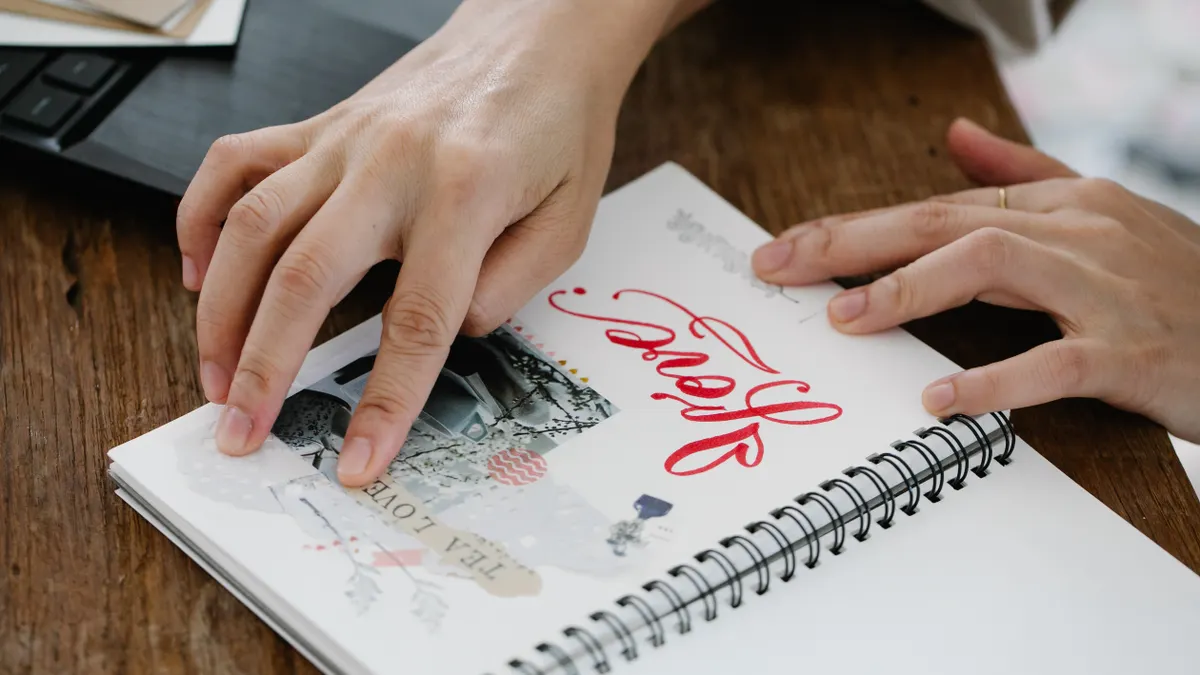
How to Start Scrapbooking: Your First Page From Scratch
Last updated: October 22, 2026
Quick Answer: To start scrapbooking, make one finished first scrapbook page with 1 to 3 photos, one theme, and a few basic tools; a 12×12 inch scrapbook album is the most common beginner format. One finished page comes first, not a box of supplies. Choose a photo, settle on a theme, grab a 12×12 inch scrapbook album, and keep the tools simple; then you can make a page that feels complete without looking jammed.
What your first scrapbook page needs before you begin
Only a few basics are required: a photo, paper, adhesive, a pen, and a way to trim paper neatly. This is enough for a standard scrapbook album without buying half a craft store.
Start with what you will actually use: one or two photos, one sheet of patterned paper, one or two solid-color background sheets, a paper trimmer, a glue runner or photo-safe tape, and a pen for journaling. A 12×12 inch scrapbook album is the most common format for beginners because it leaves room for a photo, title, and notes without cramming everything into a tiny square. Prefer something smaller? An 8.5×11 inch album can work too, though the 12×12 layout is easier when you are still learning spacing.
Choose photo-safe adhesive. Ordinary school glue can buckle paper and may not hold over time, so this choice matters more than the decorative extras. A paper trimmer helps early on as well; straight cuts make a page look finished faster than scissors do. You do not need a cutting machine, corner rounder, or embossing tool for a first page.
This page is meant to get you to one complete layout, not to answer every scrapbooking question at once. The broader “what scrapbooking is” article can sit above this how-to and explain the format itself. Here, the job stays plain: make one page that holds together visually and tells one small story. Clean and done beats fancy and unfinished.
How do I start scrapbooking as a beginner?
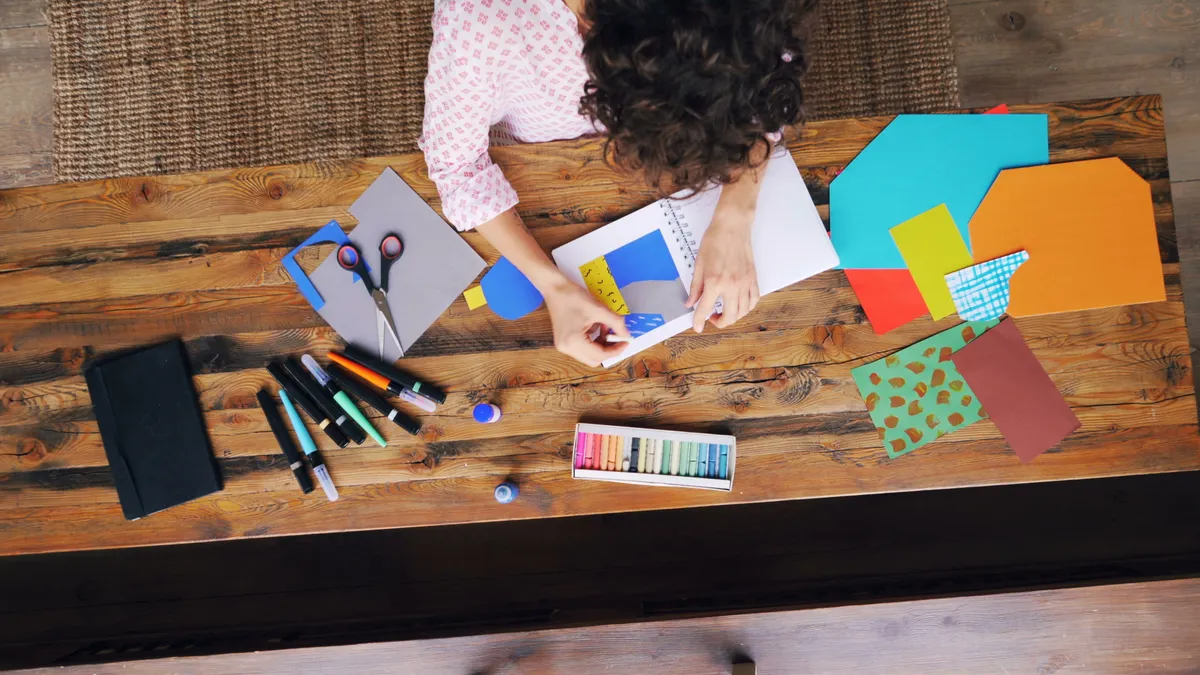
Begin scrapbooking by making one page about one moment, using one photo cluster and one short written note. That keeps the project small enough to finish in an hour or two instead of turning into a half-done pile of supplies.
Pick a single event or memory first: a birthday, a trip, a pet, a school milestone, or a holiday table. Don’t try to document a whole year on your first page. One story gives you a clear theme and helps you choose colors and photos without guessing.
Then choose 1 to 3 photos that work together. Should one image already say enough, use it alone. Should that not be enough, pick a main photo and one support photo. Beginners often squeeze in too many pictures and then run out of room for paper layers or journaling. Three well-chosen photos usually look calmer than six small ones.
Afterward, gather a few matching papers. One patterned sheet and one solid sheet are enough for the first layout. Should the photos be busy, use simpler paper. Should the photos be plain, a subtle pattern can add interest. You are not trying to match every color perfectly; you are trying to create a visible link between the pictures and the background.
Set a timer for 20 minutes and sort your materials on the table. When everything belongs to the same story, the page gets easier to assemble. The whole thing stops wobbling around.
Choose one theme so the page feels finished
A clear theme makes a first scrapbook page look intentional instead of random. “First day of school,” “summer beach trip,” or “grandma’s kitchen” all work; the theme does not need to be elaborate.
A beginner theme works best when it answers three questions: what happened, who is in it, and what feeling should the page carry. Should the answer be “a rainy afternoon at the zoo,” the colors, paper, and journal note all have a direction. Should the answer be “some family pictures,” the page has no center and usually ends up looking scattered.
Use the photos to lead the theme. Warm, bright images call for cheerful paper. Black-and-white or low-light shots do better on a simpler background, where the images can do the heavy lifting. A common beginner error is choosing decorative paper first and then trying to force a memory into it. That’s backwards, and the mismatch shows.
A theme also keeps the page from getting overloaded with embellishments. For a first page, one title, one or two layers of paper, and maybe a small decorative element are enough. You do not need a sticker for every empty corner. Empty space is not a failure; it gives the eye somewhere to rest.
When you like planning, write the theme in a short phrase on scrap paper before you cut anything. Seeing “summer picnic” or “new puppy” in plain words can help you avoid adding things that do not belong, but when you are unsure, consult a professional scrapbook designer or a reputable scrapbook guide such as Scrapbook.com’s beginner resources before you commit. That little note saves more time than overthinking the design for 30 minutes. Honestly, it saves a headache too.
Select photos and trim them for a clean layout
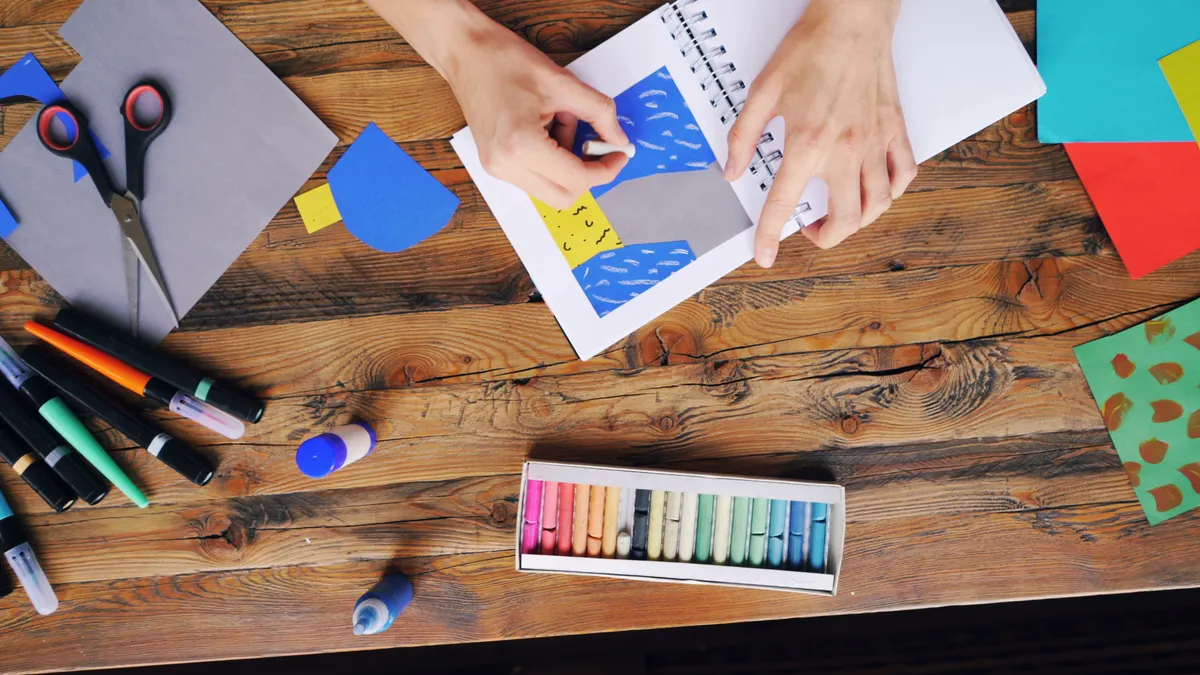
Choose photos that tell the same story and trim them only when they need more breathing room on the page. A beginner layout usually works best with one main photo plus one or two smaller supporting images.
Lay the photos on the table and ask which one should lead. The lead image is often the clearest face, the strongest action shot, or the picture with the best composition. That photo gets the most space. The others can sit beside it, overlap slightly, or appear in a smaller strip. On a 12×12 inch page, leaving a border of paper around the photo cluster often looks cleaner than pushing everything to the edges.
Should a photo have distracting edges, trim a narrow strip from one side rather than cutting it down aggressively. A paper trimmer gives you straight lines, which matters more than the exact shape. When the photo already has a strong frame or border, leave it alone. You do not have to crop every image for the page to look coordinated.
Keep photo sizes related. Two 4×6 prints and one smaller cropped picture often work well together. Should all three be different shapes and sizes, the layout can start to look accidental. Matching heights or widths helps the cluster feel organized.
Do a dry fit before using adhesive. Place the photos on the background and move them around for 5 minutes. When the arrangement feels balanced, you should be able to see a main subject, some open space, and a path for your title or journaling. Should the page look crowded before gluing, it will look even tighter once everything is fixed down, so consult a professional scrapbooker or a trusted how-to source when you want a second opinion before you adhere anything. That five-minute pause saves a lot of grief.
Build the page with basic layout and adhesive
Build the page by placing the background first, then the photo group, then the title and journaling, using adhesive only after the arrangement feels right. This order helps you avoid the classic beginner blunder of sticking down the first thing and then discovering the rest no longer fits.
Start with a background sheet sized to the album page. On a 12×12 inch layout, that usually means one full sheet as the base. Want a border? Mount the background on a second solid sheet so a narrow edge shows around it. A 1/4-inch or 1/2-inch border is enough to make the page feel framed without stealing space.
Next comes the photo cluster. Use photo-safe adhesive strips or a glue runner and press each piece firmly for a few seconds. Should you layer paper under the photos, cut those mats 1/4 inch larger than the photo on each side. That small margin creates contrast without making the design bulky.
Keep the page balanced from left to right and top to bottom. Should the photos sit low on the page, place the title above them or on the opposite side. Should the photos sit in the upper half, use journaling near the bottom. Balance does not mean perfect symmetry; it means the page does not feel as if everything is falling into one corner.
Resist the urge to fill every blank area. A first scrapbook page usually looks better with some open space than with one more sticker, ribbon, or punched shape. Too much decoration can hide the photo and make the page harder to read. The page works when your eye lands on the memory first and the decoration second. That’s the trade-off.
Write simple journaling that adds the memory
Write journaling that answers who, what, when, or why in 1 to 3 short sentences. That gives the page context without turning it into a diary entry.
Use a pen that writes smoothly on scrapbook paper and test it on a scrap corner first. Some inks feather on textured paper, so a quick test can help prevent smudges on the finished page, and when you are uncertain about paper or ink compatibility, consult a professional or a reputable scrapbook source. Dark background? Use a light-colored gel pen or write on a small label and attach it.
A useful formula for a first page is: what happened, who was there, and one detail you do not want to forget. For example, you might write, “We went to the county fair on Saturday. Maya rode the ferris wheel for the first time. The funnel cake came home in a striped paper box.” That kind of note keeps the memory specific without requiring a long paragraph.
Date the page when the moment matters to you. A simple month and year can be enough. When you are making a travel page, the location can be just as useful as the date. For family memory pages, the names of the people in the photo are often more valuable than a decorative quote.
Do not leave journaling for the end when you know you dislike writing. Put it in the layout plan from the start so you can leave room for it. A page with good journaling and plain paper often feels richer than a decorated page with no words at all. That balance is worth keeping.
Finish the page without overworking it
Finish the page by checking for balance, securing loose edges, and stopping before extra embellishments start to crowd the story. A first page is complete when it looks coherent, not when every blank inch has something on it.
Run your fingers around the edges of the paper layers. Should a corner lift, add a small piece of adhesive behind it. Check that no photo corners are peeling and that the page opens and closes cleanly inside the scrapbook album. Pages that stick out too far can get damaged when the album is stored upright on a shelf.
Then take one last look from arm’s length. Ask whether your eye can find the main photo within 2 seconds. Should you have to search for the subject, the page may be too busy. Should the title, photo, and journaling all compete for attention, remove one embellishment rather than adding another.
A common beginner mistake is treating the first page like a sample board for every product in the craft drawer. That usually costs the page its focus. Repeat one color, one paper style, and one photo treatment so the page feels unified, and when you want extra reassurance, consult a professional scrapbooker or a trusted guide before changing the design. Save the specialty dies, metallic accents, and multiple sticker sheets for later projects.
Your first scrapbook page does not need to be perfect to be worth keeping. It needs to be clear, readable, and finished. That standard helps a beginner keep going.
What beginners usually get wrong on the first scrapbook page
Beginners usually use too many supplies, too many photos, or too much glue, and the page ends up crowded or warped. The fix is to simplify before you stick anything down.
Too many photos make the layout tense. Should you have eight pictures from one event, choose the strongest 1 to 3 and save the rest for another page. Too many patterns do the same thing; a busy patterned background plus patterned mats plus patterned stickers can blur the whole design. One pattern and one solid usually give a cleaner result.
Too much adhesive can show through thin paper or cause bumps under the photo. Use a light hand with glue runners and tape runners, then press the layers flat with clean fingers or a bone folder when you have one. Should the paper wrinkle, you likely used too much liquid adhesive for the weight of the paper.
Another common mistake is skipping the dry fit. Once glue goes down, the page becomes harder to rescue. Dry fitting for even 5 minutes often saves more time than hurriedly fixing a bad arrangement later, though when you are unsure about the specific paper or adhesive, consult a professional or a reliable craft source.
A final problem is finishing every section with the same energy. When the whole page is heavily decorated, nothing stands out. Put the energy into the photo group and the journaling, then keep the rest simpler. That choice makes the page easier to read and much more forgiving for a beginner. One clear focal point beats a noisy page every time.
Key Takeaways
- A first scrapbook page should center on one memory, not a whole collection of events.
- Start with a few basic tools: album, paper trimmer, adhesive, photos, and a pen.
- One main photo group, one theme, and one short journal note are enough for a finished page.
- Dry fitting matters because it can help prevent bad spacing before anything is glued down.
- Simpler layouts usually look better than crowded ones, especially on the first try.
How do I start scrapbooking as a beginner?
Begin with one page, one theme, and a small set of basic tools. Choose a single photo story, gather a scrapbook album, paper trimmer, adhesive, photos, and a pen, then build the layout before you glue anything. A first page works best when it is simple enough to finish in one sitting.
What supplies do I need to begin scrapbooking?
You need a scrapbook album, photos, paper, a paper trimmer, photo-safe adhesive, and a pen for journaling. That small set is enough for a complete first page. Decorative extras can wait until after you have made one finished layout and understand the spacing that works for you.
How do I make my first scrapbook page?
Choose one theme, select 1 to 3 photos, and arrange them on the page before attaching anything. Then add a title and a short journal note, using adhesive only after the layout feels balanced. Should the page look clean from arm’s length and the story is clear, the page is done.
What to know about scrapbooking supplies
According to the Library of Congress, preserving materials in stable, low-light, and low-humidity conditions can help slow deterioration over time. That makes scrapbooking supplies worth choosing carefully, especially when you want your page to last. For paper, adhesives, and photos, photo-safe and acid-free products are the safer starting point.
A paper trimmer gives you straight, repeatable cuts, which is useful when you are trying to keep a 12×12 inch page tidy. A glue runner or photo-safe tape is usually easier to control than liquid glue for a first layout. When you want to compare product types, Scrapbook.com and the Smithsonian both offer general preservation guidance that can help you choose materials without overbuying.
A first scrapbook page also benefits from a simple supply habit: use what you have before adding more. That keeps the page focused and helps you learn what actually works in your album. When in doubt, keep the supply list small and consistent until you finish a page. That restraint pays off.
How to plan a scrapbook page layout
Plan the layout by deciding where the photo group, title, and journaling will go before you glue anything. That makes the page easier to read and keeps the design from drifting into a random arrangement.
A simple layout often works better than a crowded one. Place the largest photo or photo cluster first, then leave space for the title and a short note. Should the page feel uneven, shift one element rather than adding more decorations. That way, the page stays readable from the start.
When you are making the page in a standard 12×12 inch album, a border, a photo stack, and a journaling area are usually enough structure. The exact placement can change, but the sequence should stay steady: background, photos, title, note. That order is easier to manage for a beginner than trying to decorate as you go.
How to choose the right scrapbook paper
Choose scrapbook paper that supports the photos instead of competing with them. A patterned sheet works well when the images are simple, while a solid or lightly textured sheet helps busier photos stand out.
For a first scrapbook page, one patterned paper and one solid paper are usually enough. Should the photos already have bright colors, keep the background calmer. Should the photos be muted, a stronger pattern can add interest without needing many extras. The goal is a visible connection between the paper and the story.
Paper size matters too. A 12×12 inch page gives you room to trim, layer, and leave a border if you want one. Smaller formats can still work, but the larger square gives beginners more margin for error and more room for journaling.
How to use journaling in scrapbooking
Use journaling to explain the memory, not to repeat what the photo already shows. A short note can add names, dates, places, or one detail that the image leaves out.
One or two sentences are enough for a first scrapbook page. That keeps the page from feeling overloaded and makes the writing easy to fit into the layout. Should you dislike handwriting directly on the page, write on a label or journaling card first, then place it where it fits best.
The best journaling usually feels specific. Instead of writing “a fun day,” name the event, the people, and one detail you want to remember. That gives the page a stronger connection to the moment and helps the layout feel finished.
Drafted with AI; not yet reviewed by a person.